Snap-on EPC for Hyundai: VIN to cylinder block (video)
This 30-second screen recording shows Snap-on EPC, the catalog behind the Hyundai, Kia and Genesis pages on VINsearch. A VIN decodes a Hyundai Tucson, and the recording opens the cylinder block in the Engine tab and the front spring and strut in the Chassis tab.
What happens in the recording
- 0:00 The start screen has VIN, car name or catalog, and part number searches, with a brand filter and a list of car names.
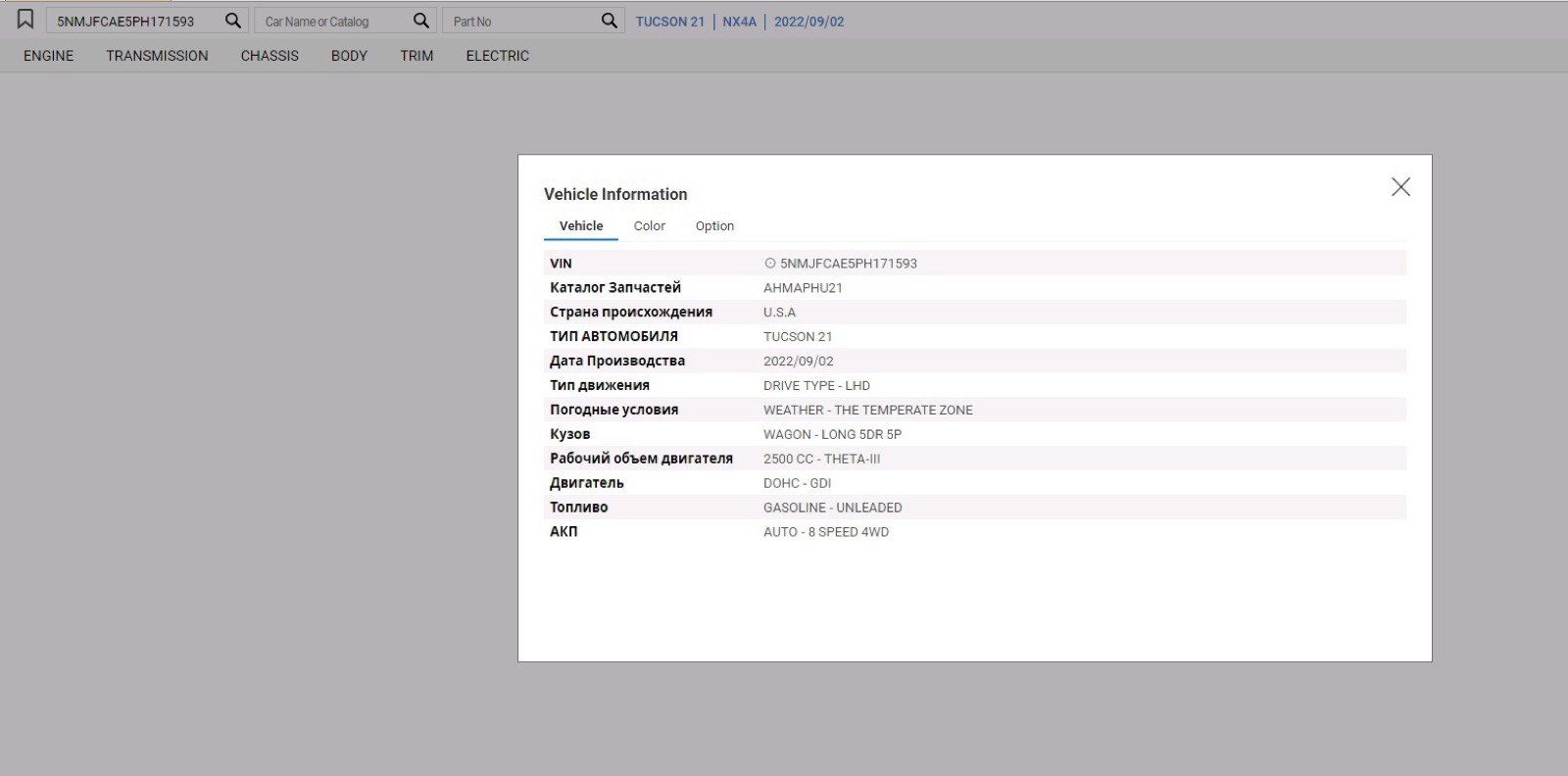
- 0:05 The VIN loads the vehicle: model, model code and production date appear in the header above the Engine, Transmission, Chassis, Body, Trim and Electric tabs.
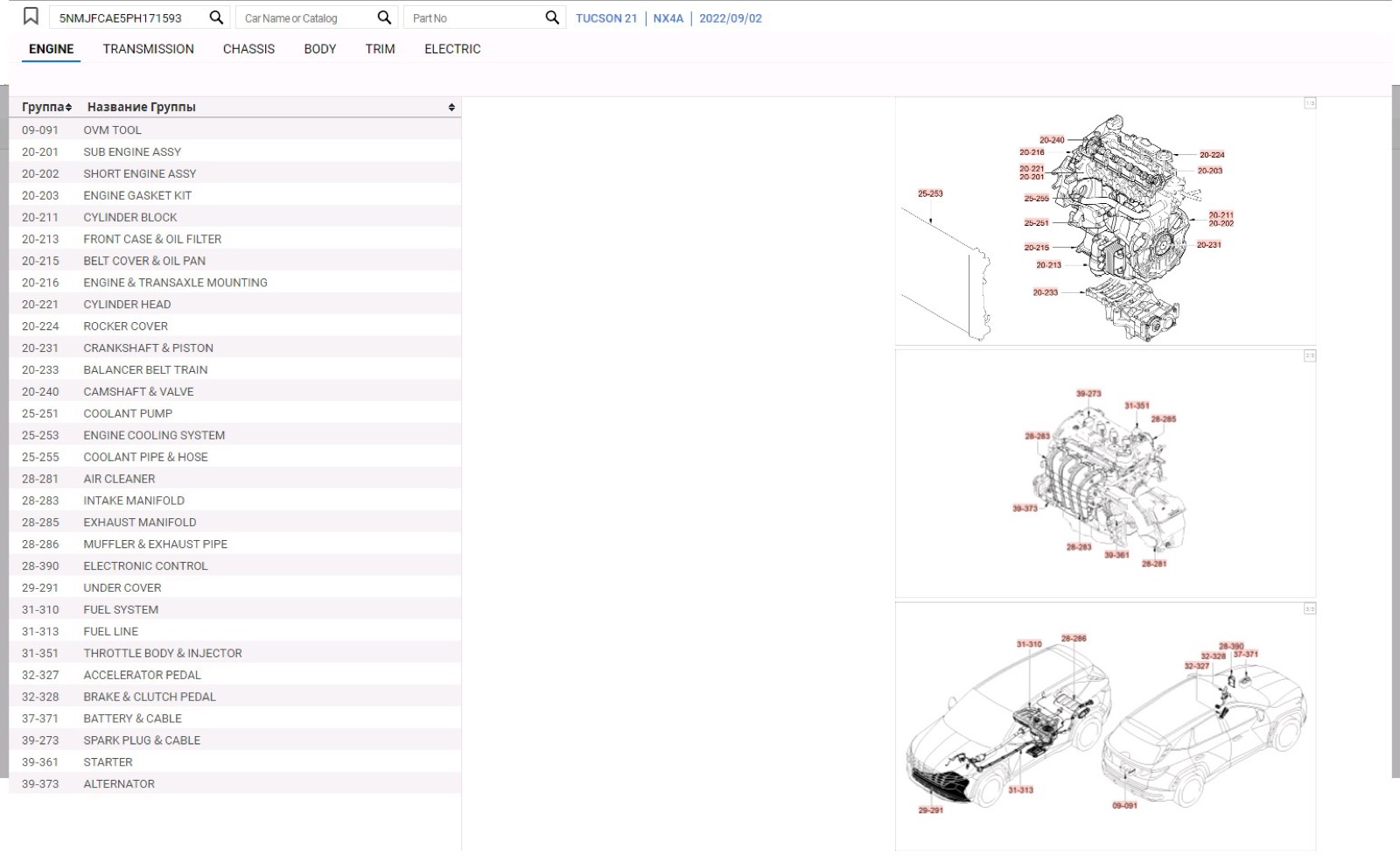
- 0:06 The Engine tab lists numbered groups next to illustrations tagged with the same group numbers.
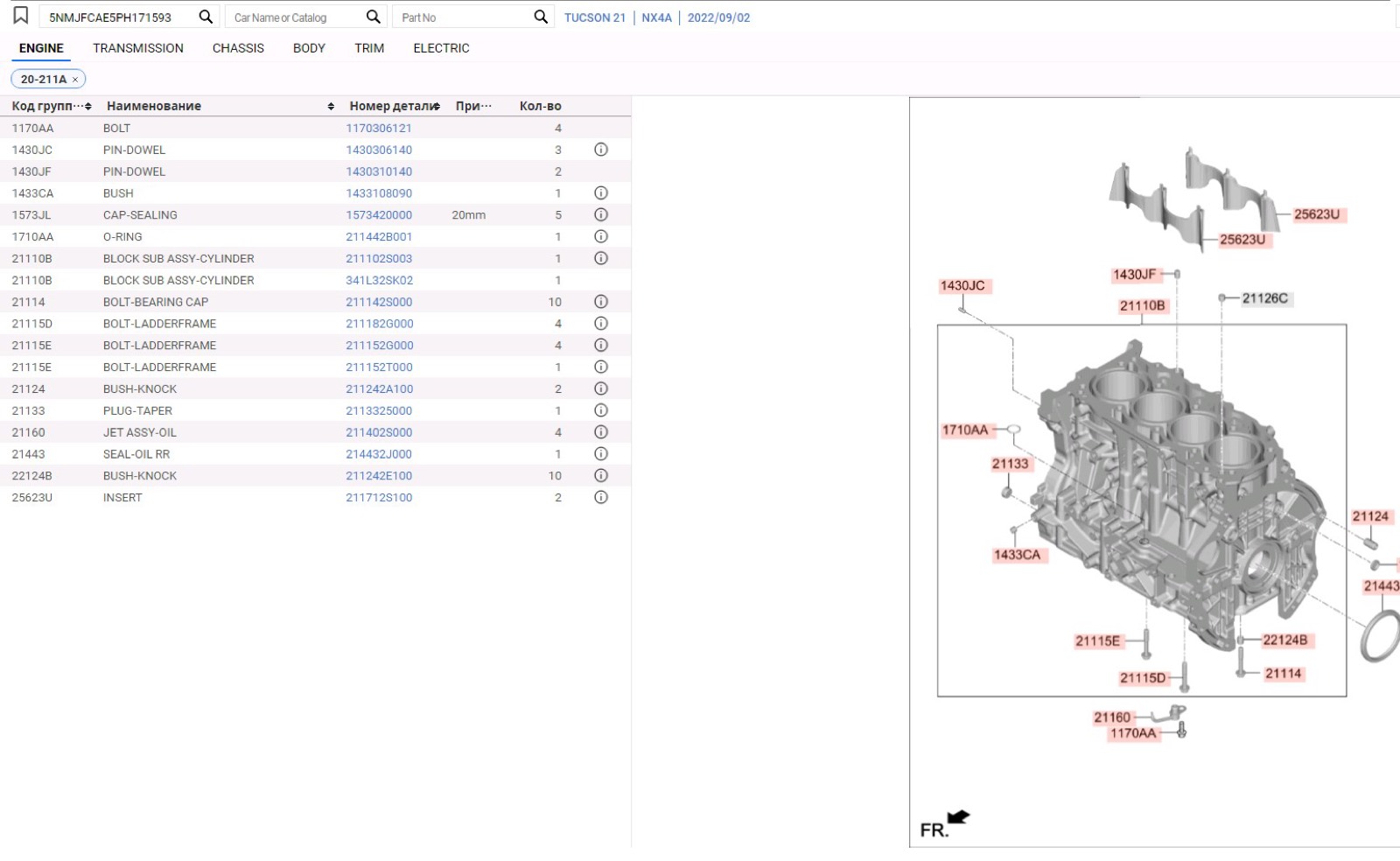
- 0:12 The cylinder block group opens: a parts table beside a diagram, and the selected row shows its detail in a bottom panel.
- 0:19 The Chassis tab shows the suspension and steering illustration, with group labels on hover.
- 0:23 The front spring and strut group opens with its parts table and diagram.
What you see on screen
- Numbered engine groups such as cylinder block, cylinder head, camshaft and valve, intake manifold and alternator.
- A parts table with group code, part name, part number, remarks and quantity.
- Red callout tags on the diagrams that carry the group or part codes.
- A bottom panel for the selected part with From, To, Part No, Description, Remarks and QTY.
Screenshots
Open Hyundai EPC yourself
This is the catalog you work in on VINsearch, in the browser, by VIN. A Day Pass is $5 and opens all 53 catalogs.
Open the catalog