Mopar parts catalog walkthrough: VIN to front brakes (video)
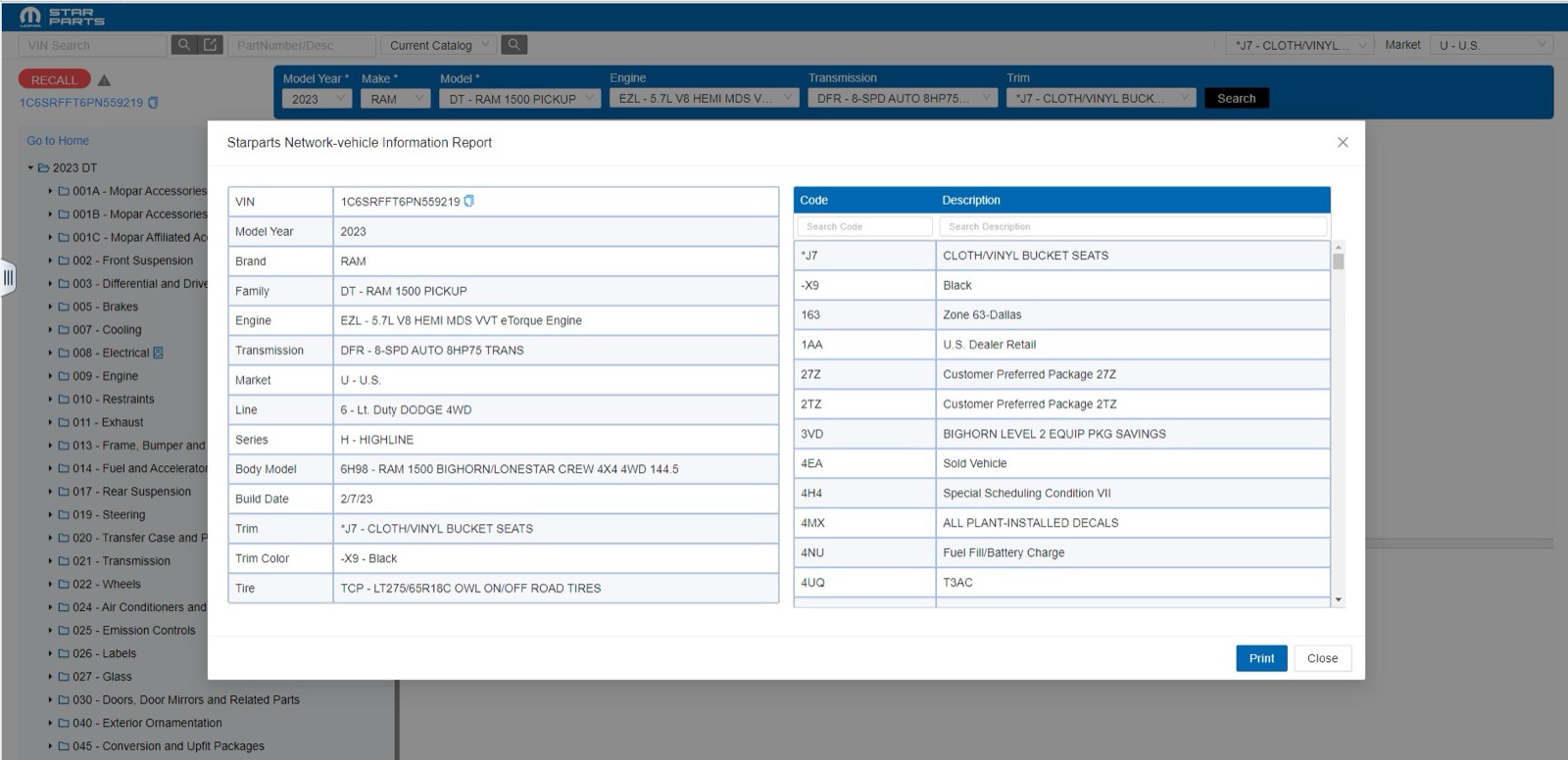
This 27-second screen recording shows the Mopar parts catalog, which serves the RAM, Jeep, Dodge and Chrysler pages on VINsearch. A VIN decodes a 2023 RAM 1500, and the recording opens the front brakes figure, then ends on the vehicle information report.
What happens in the recording
- 0:00 The start screen has VIN search, part number search, a catalog selector, a market selector and a Choose Year list.
- 0:04 A VIN goes into the VIN Search field.
- 0:06 The header fills in model year, make, model, engine, transmission and trim, and the group tree loads.
- 0:08 A Recall Info window lists campaigns for the vehicle; once it closes, 005 Brakes opens to 100 Front Brakes.
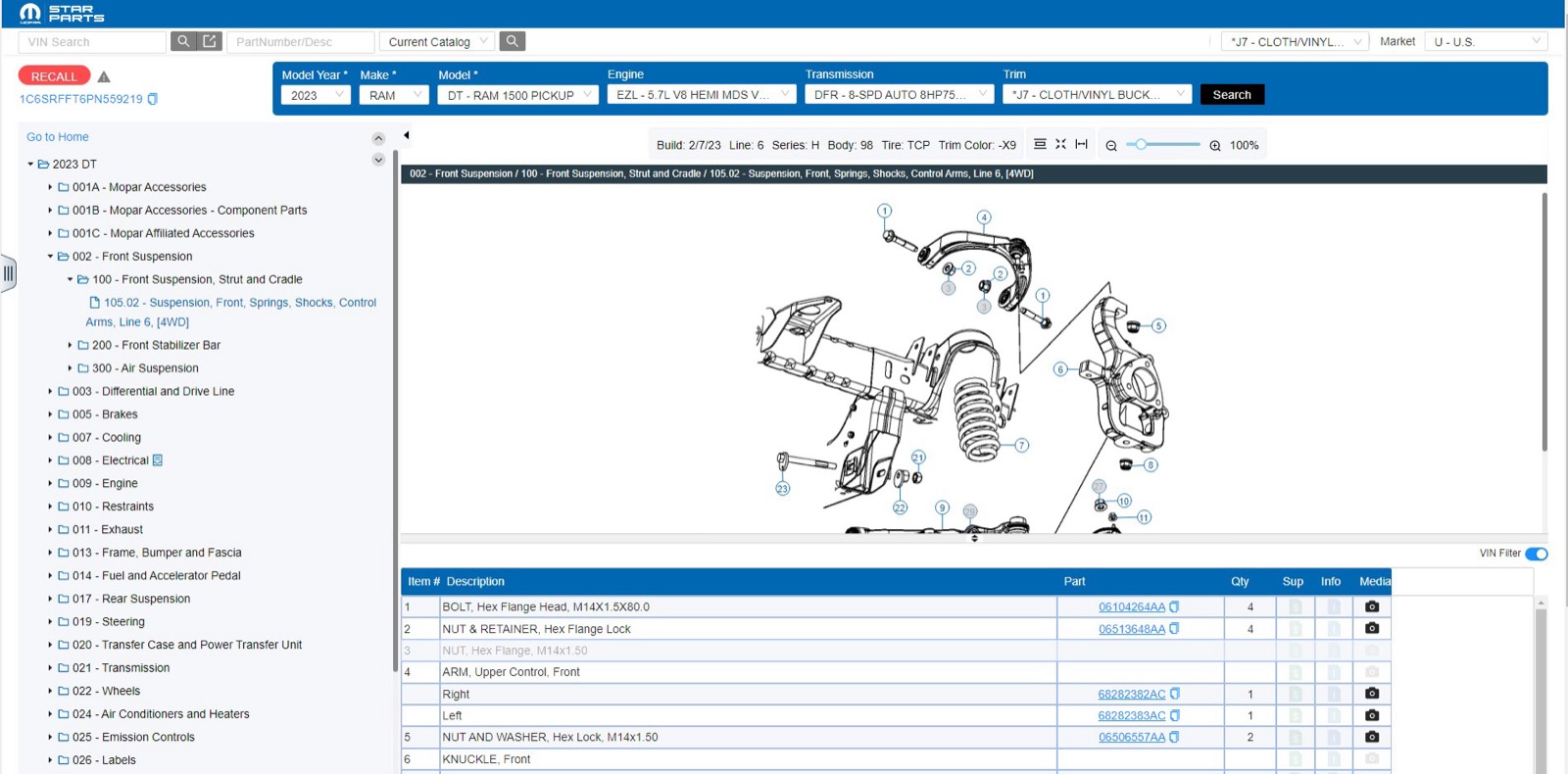
- 0:16 The front brakes figure appears, and the parts table fills in below it.
- 0:22 The Starparts Network vehicle information report lists build data and sales codes with descriptions.
What you see on screen
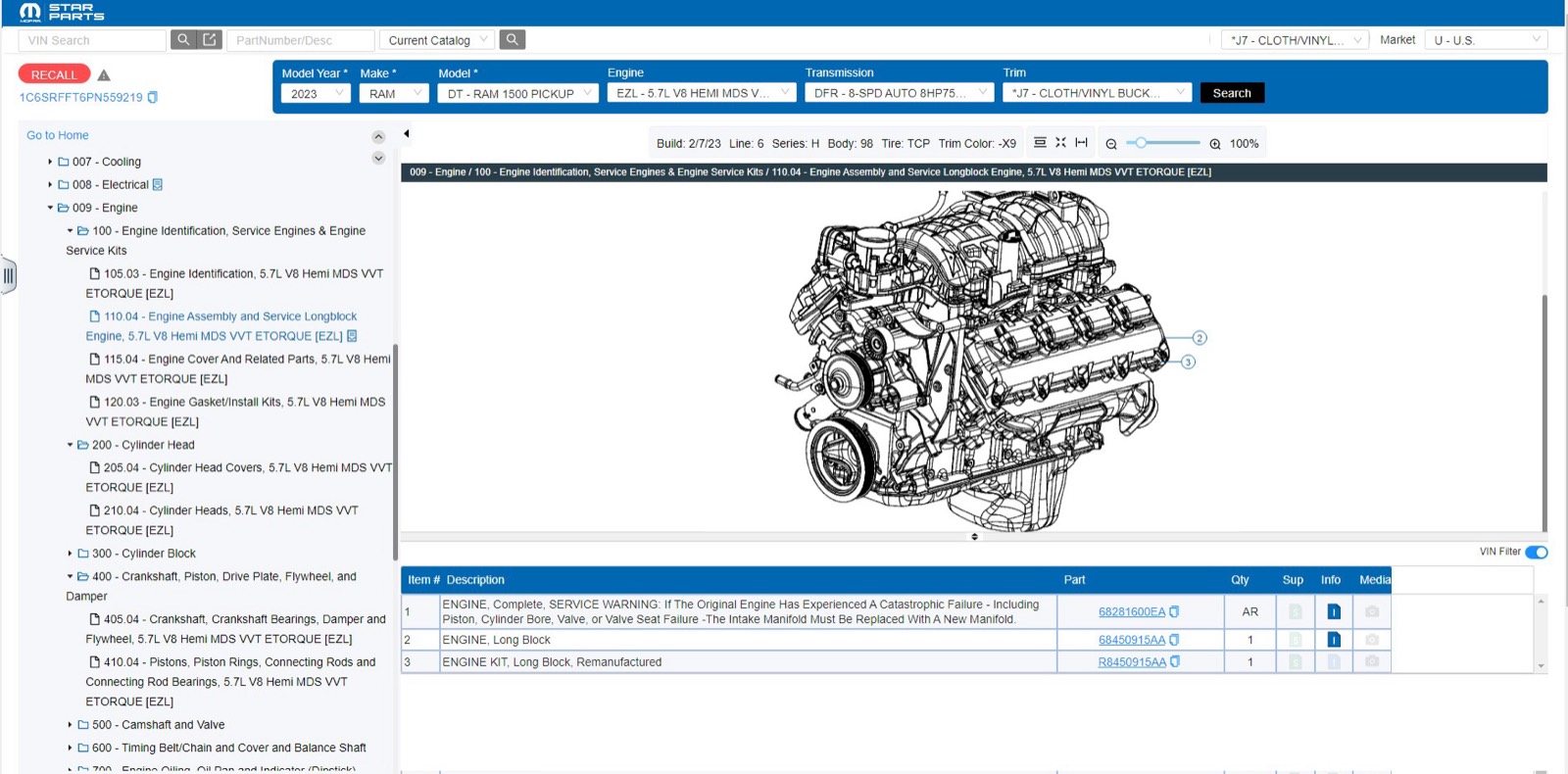
- A group tree numbered like 002 Front Suspension, 005 Brakes, 009 Engine and 021 Transmission.
- A build line above the figure with build date, line, series, body, tire and trim color.
- Parts table columns: Item #, Description, Part, Qty, Sup, Info and Media, with a VIN Filter switch.
- A Recall button next to the VIN.
Screenshots
Open RAM EPC yourself
This is the catalog you work in on VINsearch, in the browser, by VIN. A Day Pass is $5 and opens all 53 catalogs.
Open the catalog