Volvo VIDA walkthrough: VIN to gear selector parts (video)
This 26-second screen recording shows the parts side of Volvo VIDA working from a VIN. It decodes an XC90, opens the vehicle information window, then goes through Power transmission and Gear box to the gear selector and its parts list.
What happens in the recording
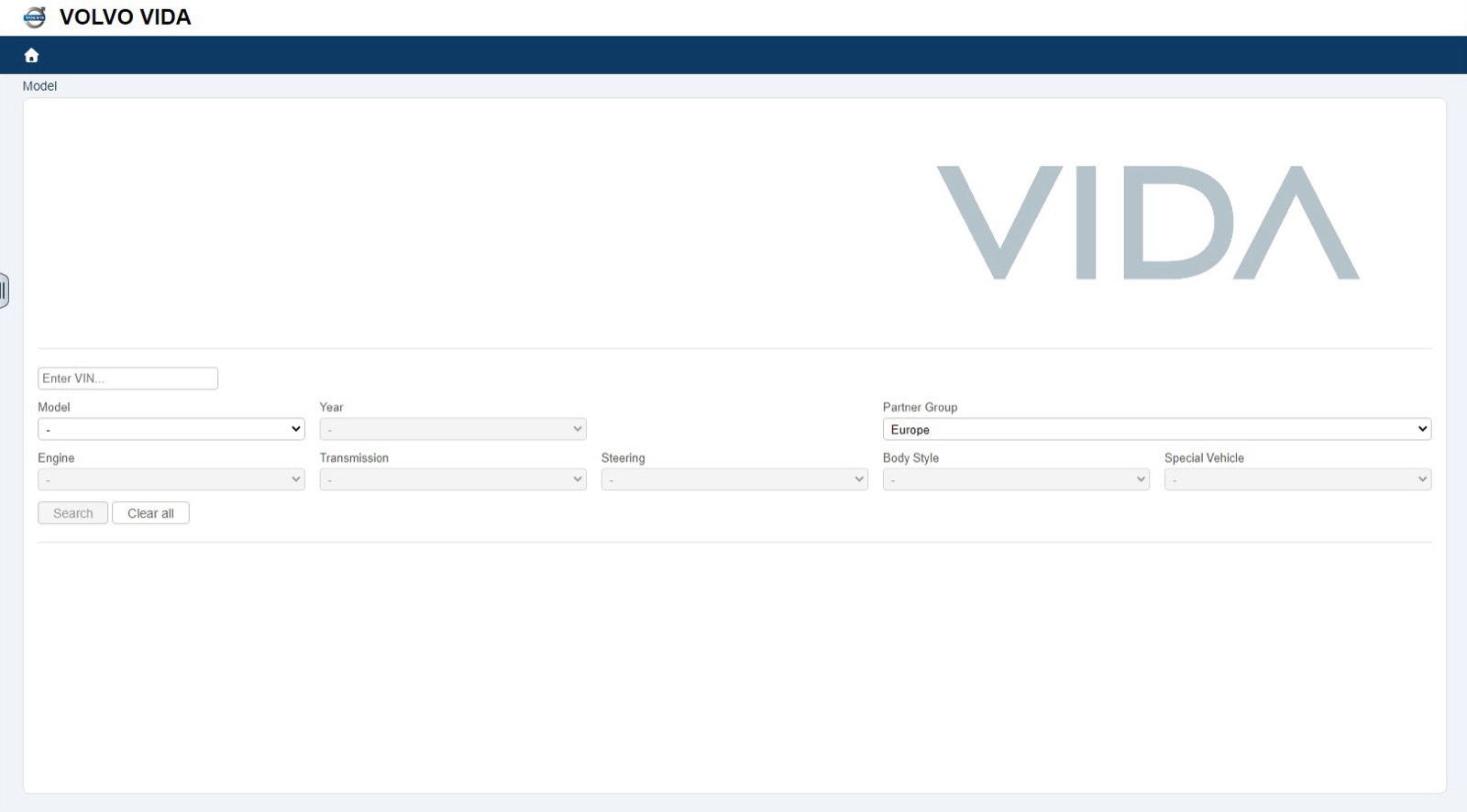
- 0:00 The Model screen has an Enter VIN field and dropdowns for model, year, partner group, engine, transmission, steering, body style and special vehicle.
- 0:03 A VIN goes into the field and the search runs.
- 0:05 The model, XC90 (16-), appears in the header with a Vehicle information link.
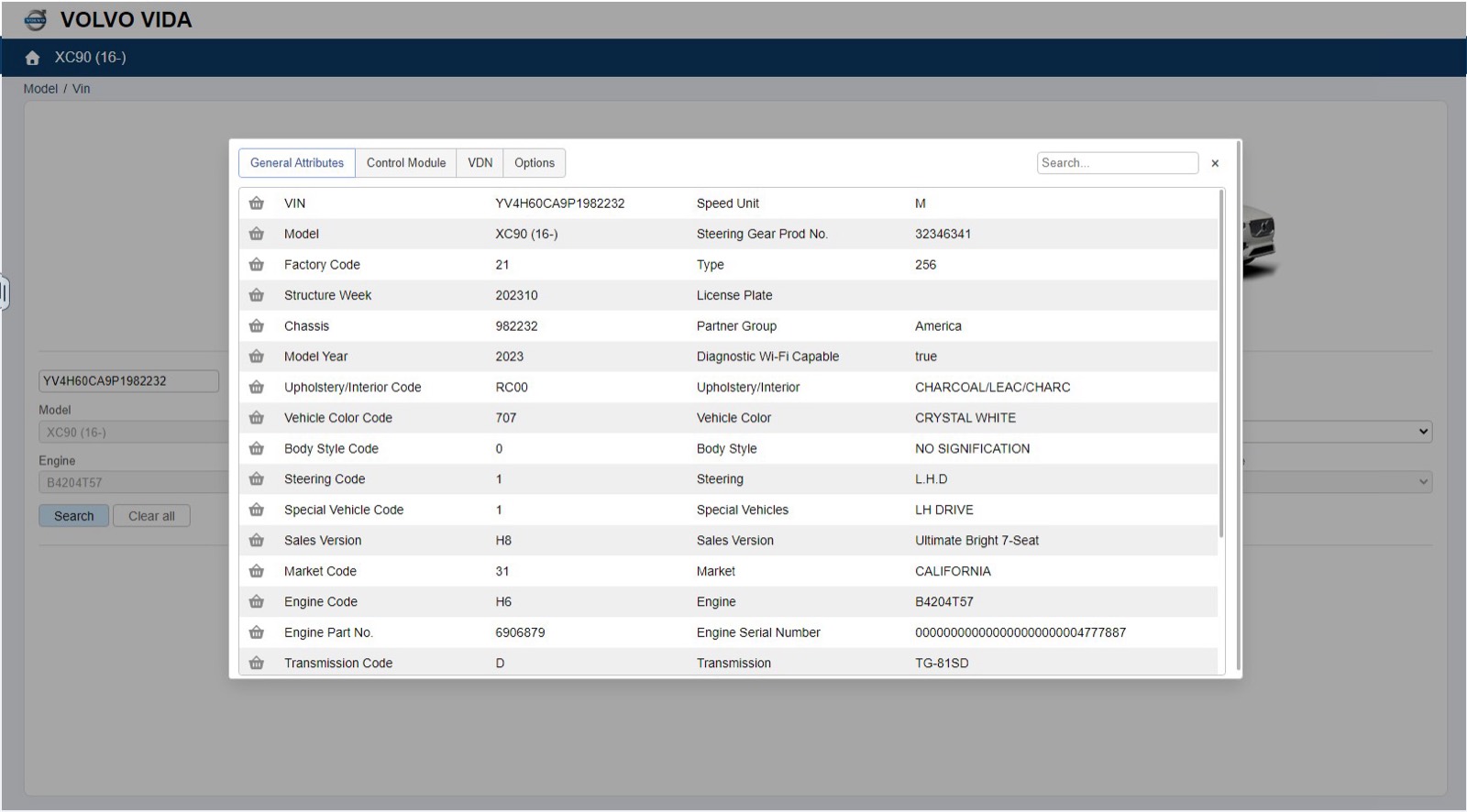
- 0:07 The vehicle information window shows General Attributes, Control Module, VDN and Options tabs.
- 0:14 Parts groups open in columns: 4 Power transmission, 43 Gear box, 432 gear lever carrier and gear selector controls.
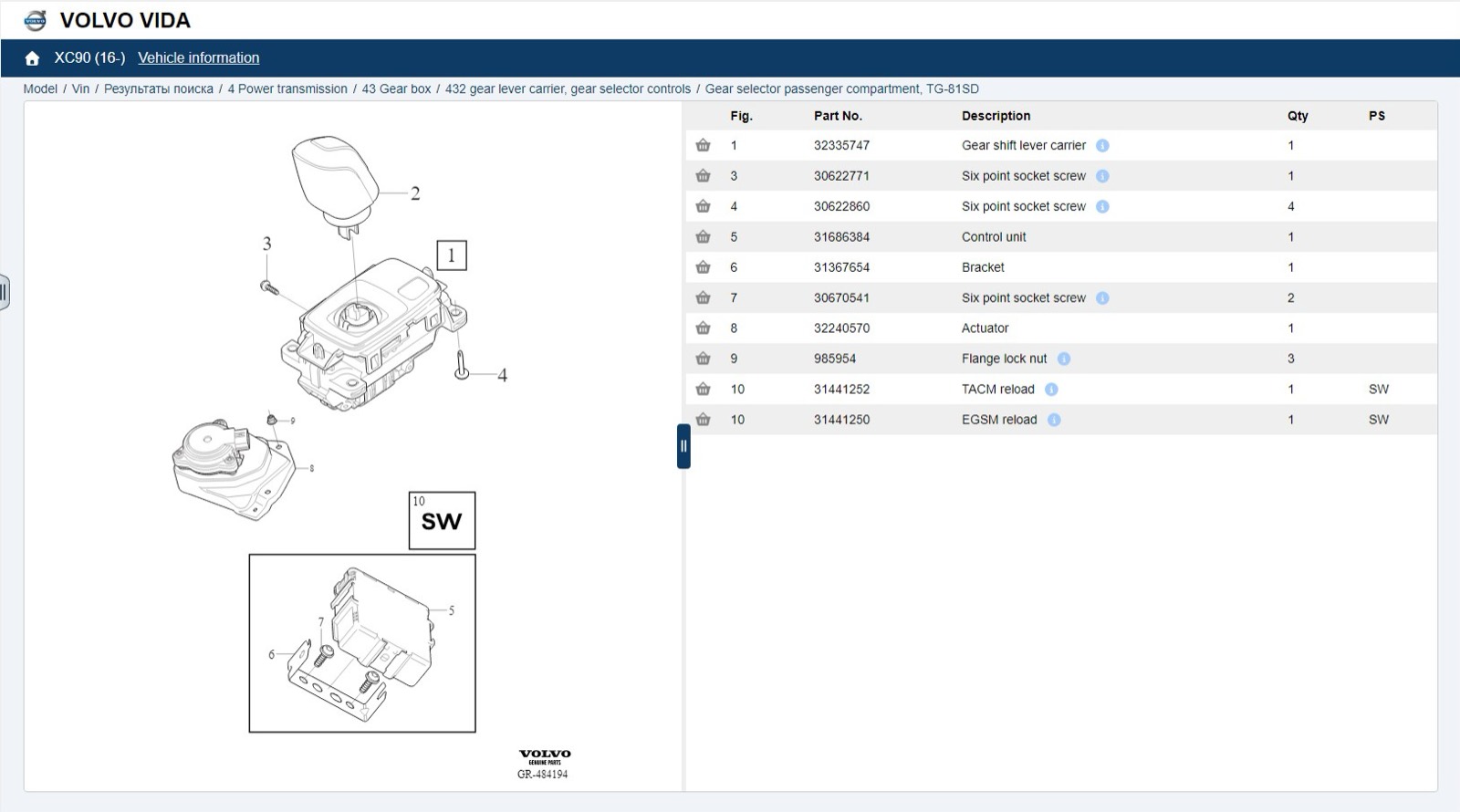
- 0:20 The gear selector diagram appears beside a table with Fig., Part No., Description, Qty and PS columns.
What you see on screen
- Main parts groups numbered 2 to 8, from Engine with mountings and equipment to Body and interior.
- General attributes such as model year, color, engine, transmission, market and sales version.
- A breadcrumb from Model and Vin down to the selected figure.
- An info icon on part descriptions and a basket icon on each row.
Screenshots
Open Volvo VIDA yourself
This is the catalog you work in on VINsearch, in the browser, by VIN. A Day Pass is $5 and opens all 53 catalogs.
Open the catalog