Nissan Microcat walkthrough: VIN to water hose parts (video)
This 23-second screen recording shows Nissan Microcat, the catalog behind the Nissan and Infiniti pages on VINsearch. A VIN search decodes an Altima, and the recording follows the Exhaust and Cooling group down to the water hose and piping diagram.
What happens in the recording
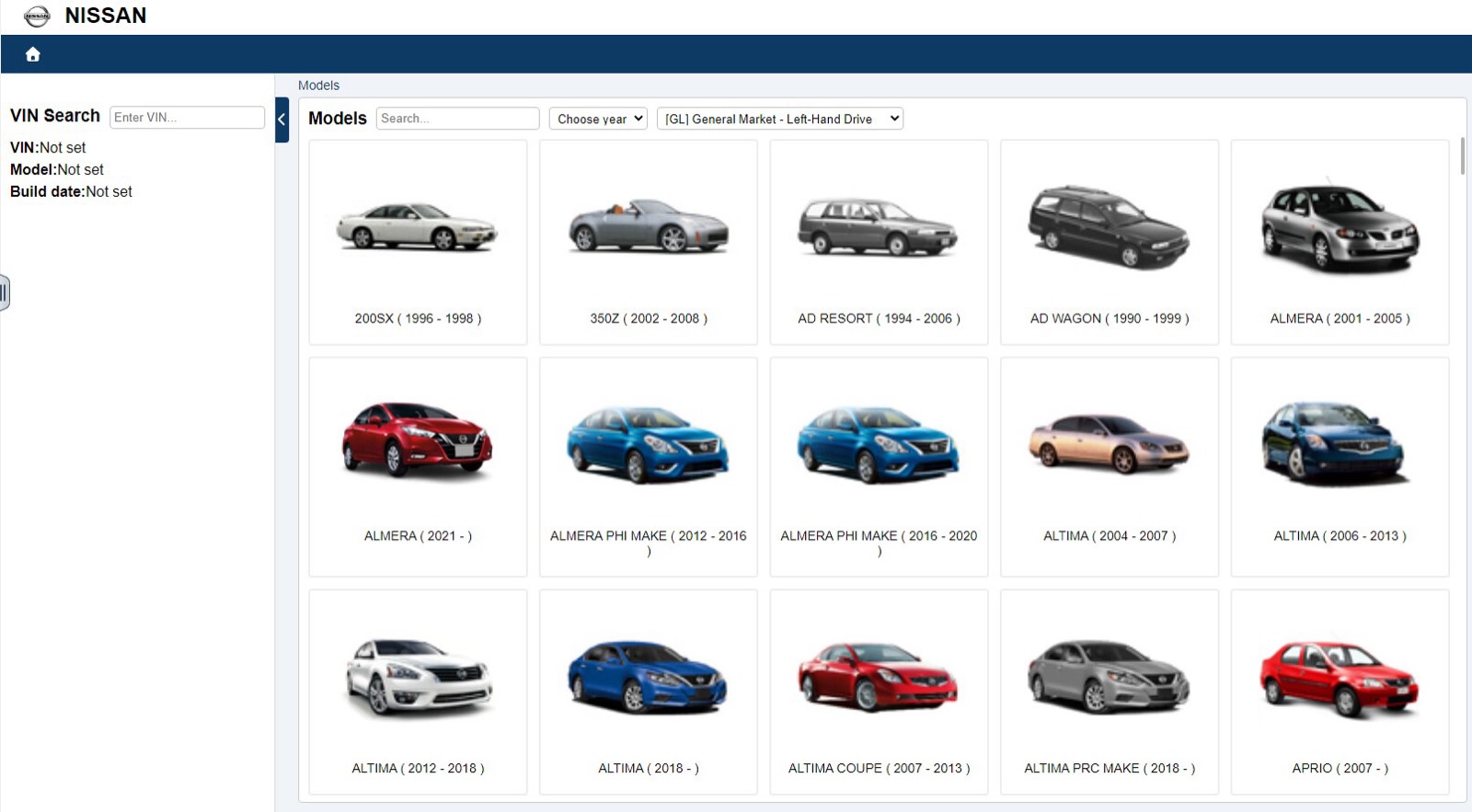
- 0:00 The Models screen shows model tiles with year ranges, a year filter and a market selector set to General Market, Left-Hand Drive.
- 0:05 A VIN goes into the VIN Search field.
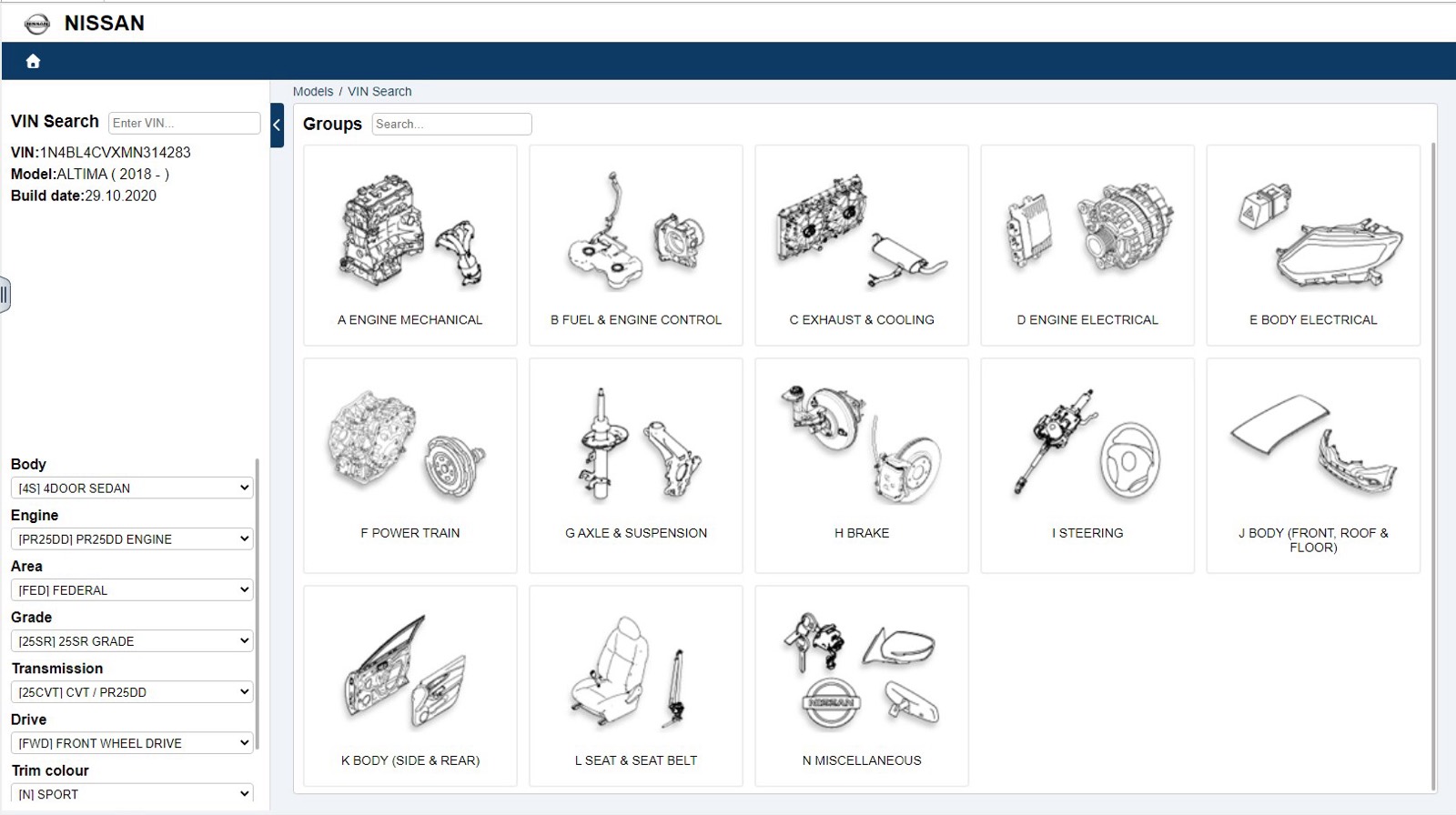
- 0:07 The catalog shows the model and build date, fills in body, engine, area, grade, transmission, drive and trim color, and lists groups A to N.
- 0:11 C Exhaust and Cooling opens its subgroups, and water hose and piping is selected.
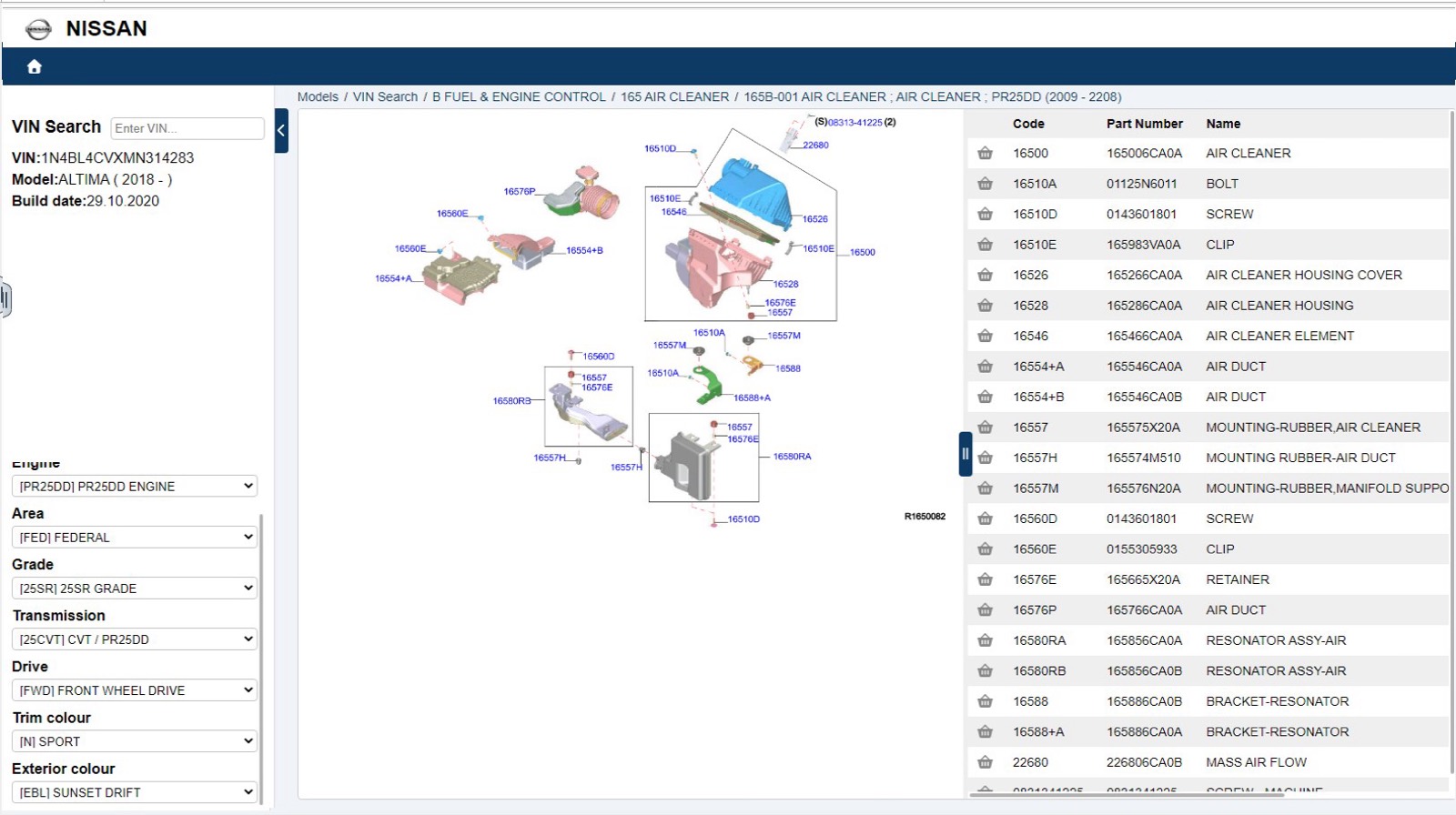
- 0:15 The diagram appears beside a parts table with code, part number, name, quantity and date range columns.
- 0:18 The breadcrumb leads back up to the group list.
What you see on screen
- Groups labeled A Engine mechanical, B Fuel and engine control, C Exhaust and cooling, through N Miscellaneous.
- Vehicle attribute dropdowns on the left, each showing a code and its meaning.
- Parts table columns: Code, Part Number, Name, Quantity, From and To.
- A basket icon on each part row.
Screenshots
Open Nissan EPC yourself
This is the catalog you work in on VINsearch, in the browser, by VIN. A Day Pass is $5 and opens all 53 catalogs.
Open the catalog