Toyota EPC walkthrough: VIN to radiator diagram (video)
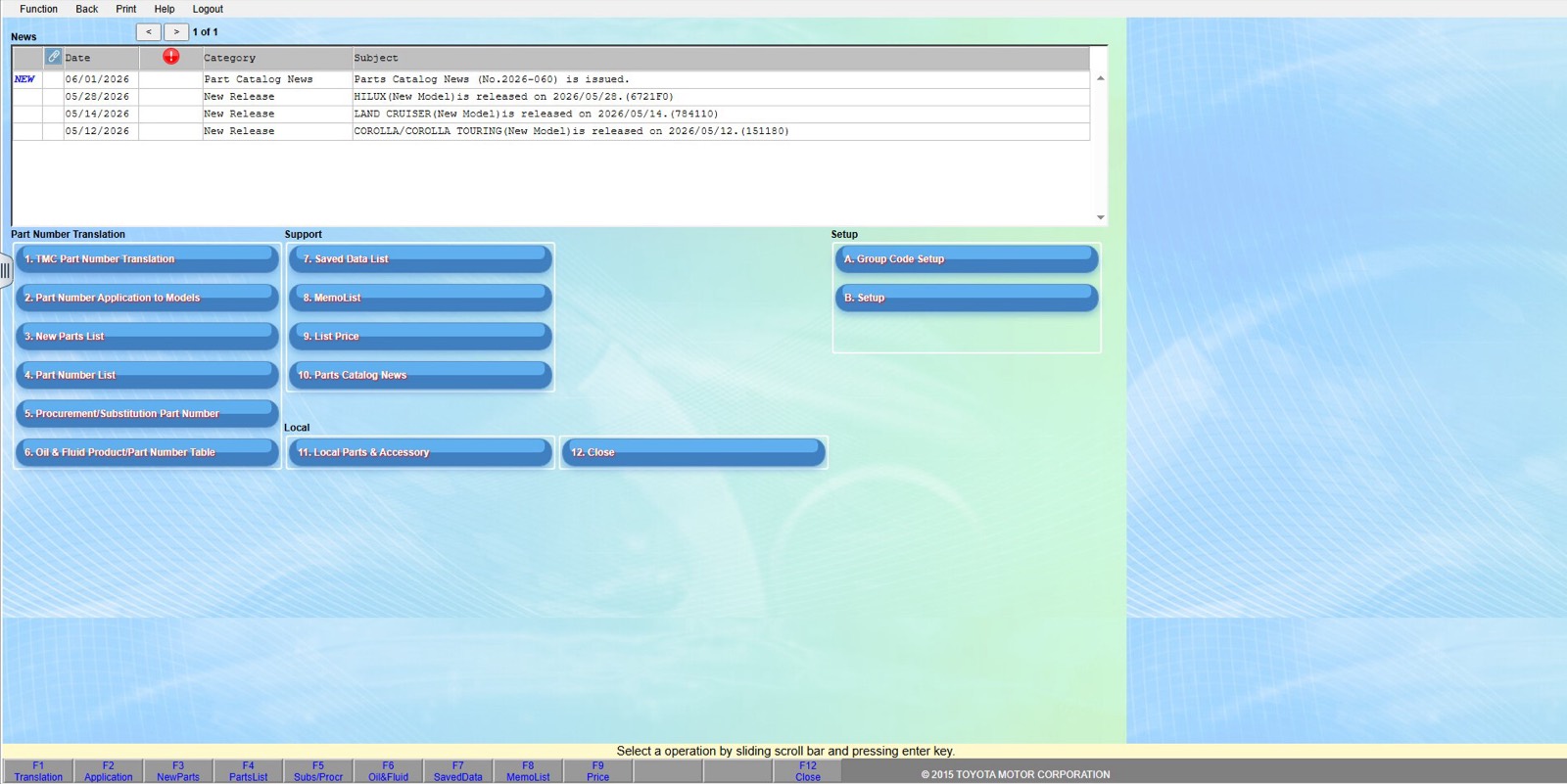
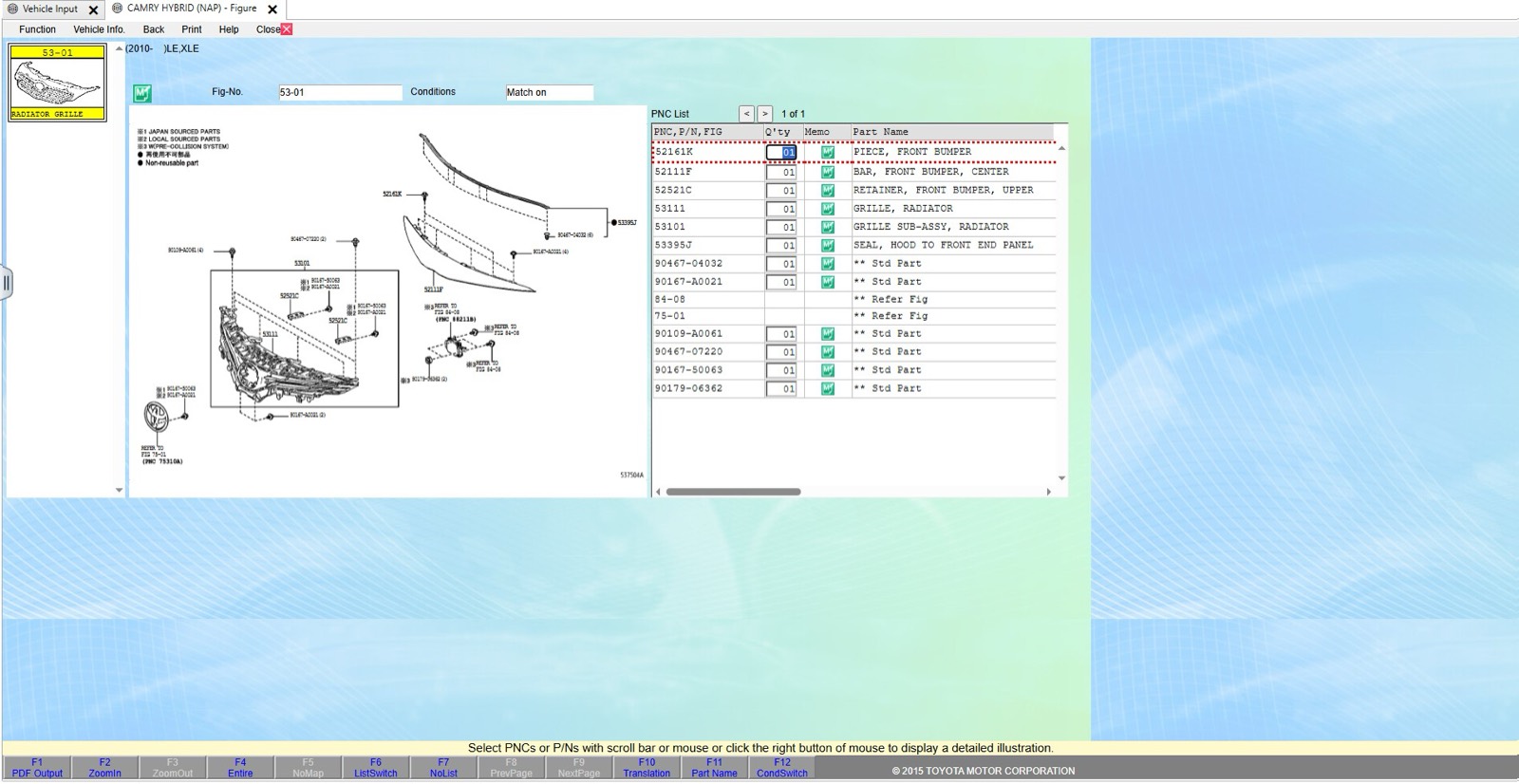
This 36-second screen recording shows Toyota EPC, the catalog behind the Toyota and Lexus pages on VINsearch. It opens on a Camry Hybrid already decoded from its VIN, moves through Structure Search to the engine cooling figures, and ends on a radiator diagram with its parts list.
What happens in the recording
- 0:00 The Vehicle Input screen shows a decoded VIN: model name, catalog code, model code, production date, color and trim codes.
- 0:08 The Search Route screen offers figure number, part number and keyword search, plus Structure Search with three illustrated groups.
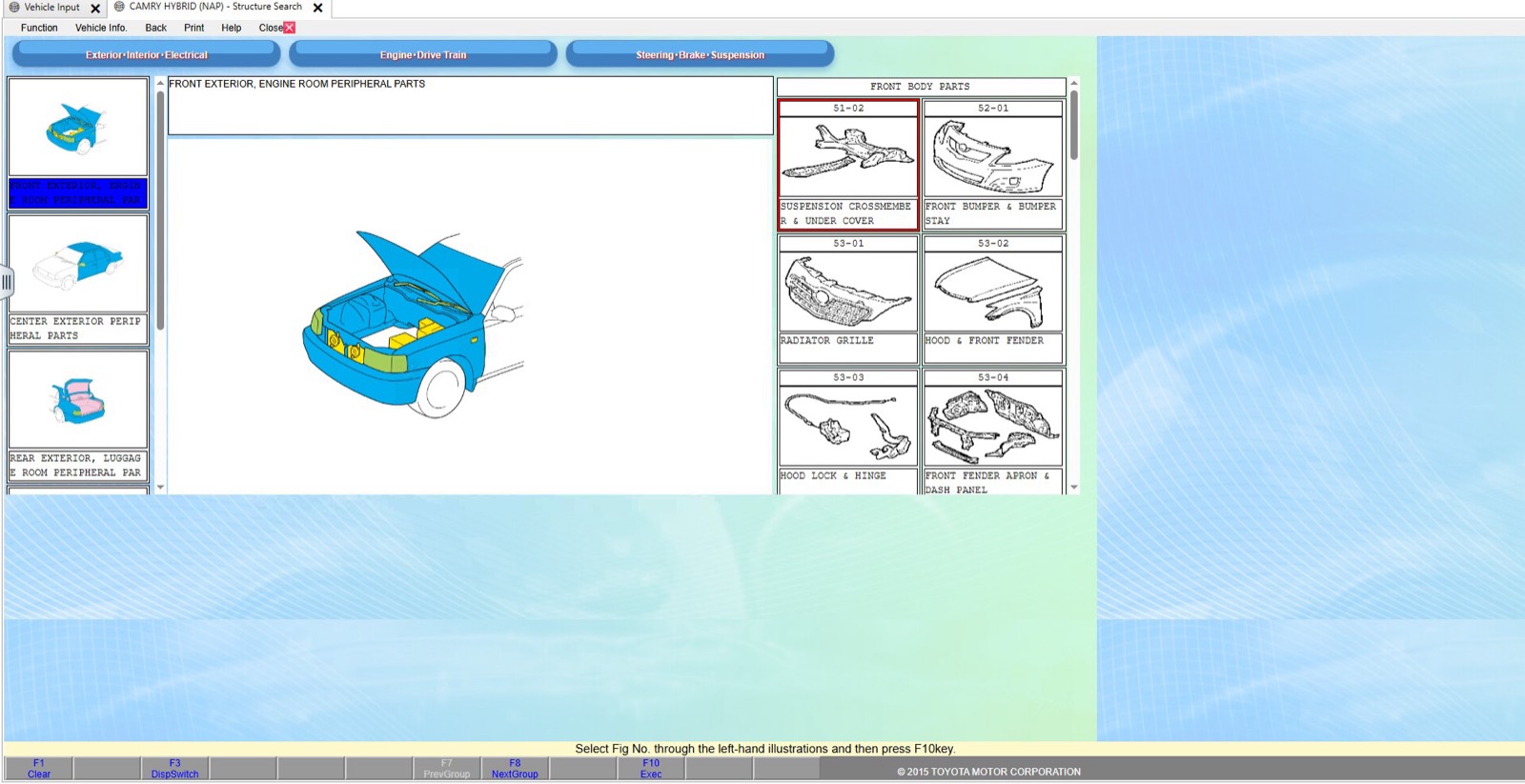
- 0:11 Structure Search opens on the exterior group, then switches to Engine and Drive Train.
- 0:19 The engine illustration highlights the cooling area, and figure thumbnails for the engine cooling system appear on the right.
- 0:31 The radiator figure opens: an exploded diagram beside a PNC list with quantity and part name columns.
What you see on screen
- Vehicle Input fields for VIN or frame number, model name and catalog code, production date, color code and trim code, plus a factory-shipment details table.
- Three Structure Search groups: Exterior, Interior and Electrical; Engine and Drive Train; Steering, Brake and Suspension.
- Figure thumbnails that carry a figure number and a name, such as radiator and water outlet.
- Parts list columns: PNC, P/N and FIG, quantity, memo and part name, with F-key shortcuts along the bottom edge.
Screenshots
Open Toyota EPC yourself
This is the catalog you work in on VINsearch, in the browser, by VIN. A Day Pass is $5 and opens all 53 catalogs.
Open the catalog