Mercedes-Benz EPC walkthrough: FIN to parts list (video)
This 30-second screen recording shows the Mercedes-Benz parts catalog (EPC / Xentry) working from a FIN. It opens a GLA 180 in visual navigation, checks the data card and the operating fluids, then drills from a 3D body model into the rear door locking system.
What happens in the recording
- 0:00 The start screen offers a model variant or FIN/VIN field, a part number field and special catalogs.
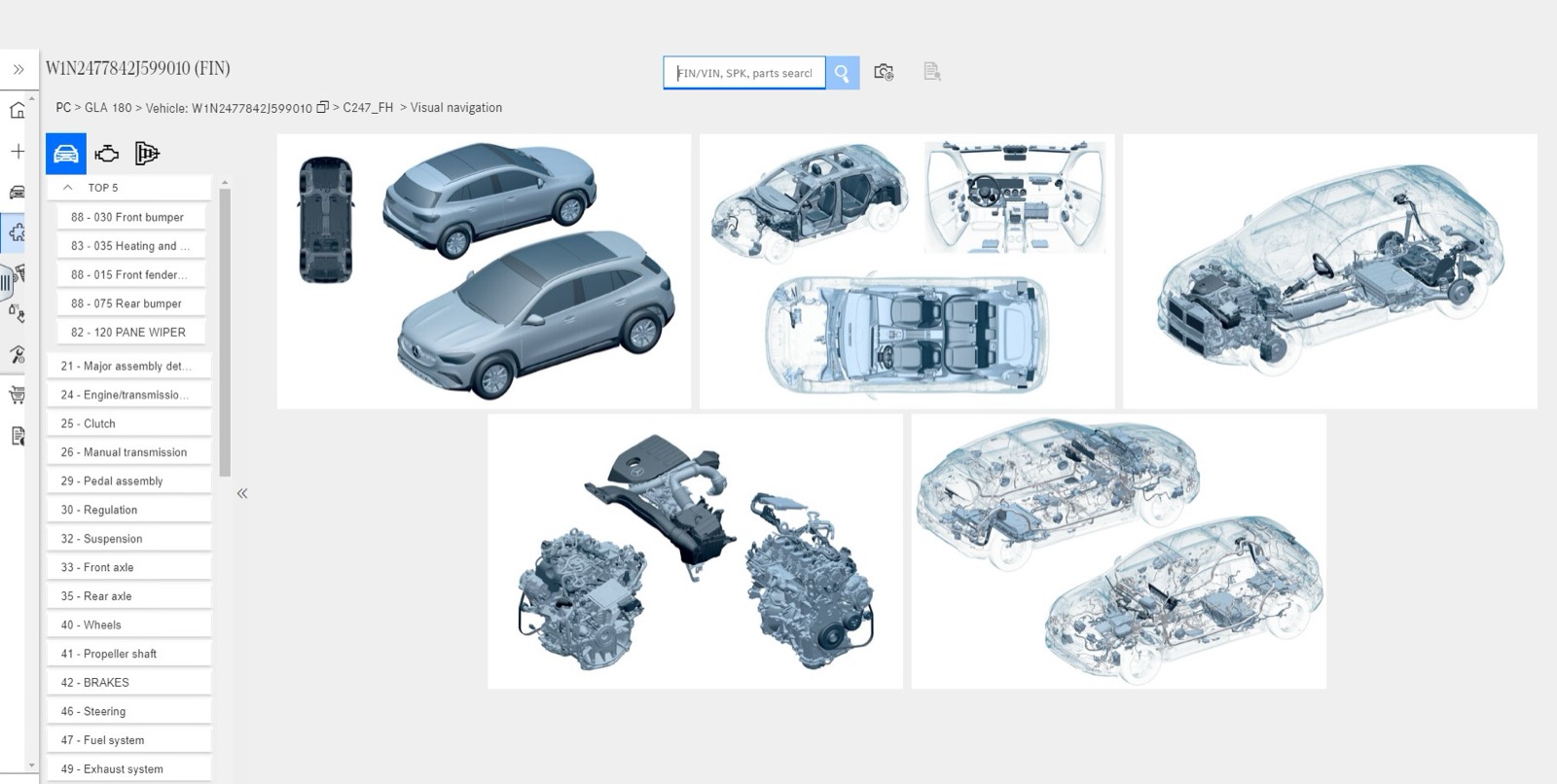
- 0:05 The FIN opens the vehicle in visual navigation: main groups on the left, illustrated vehicle areas on the right.
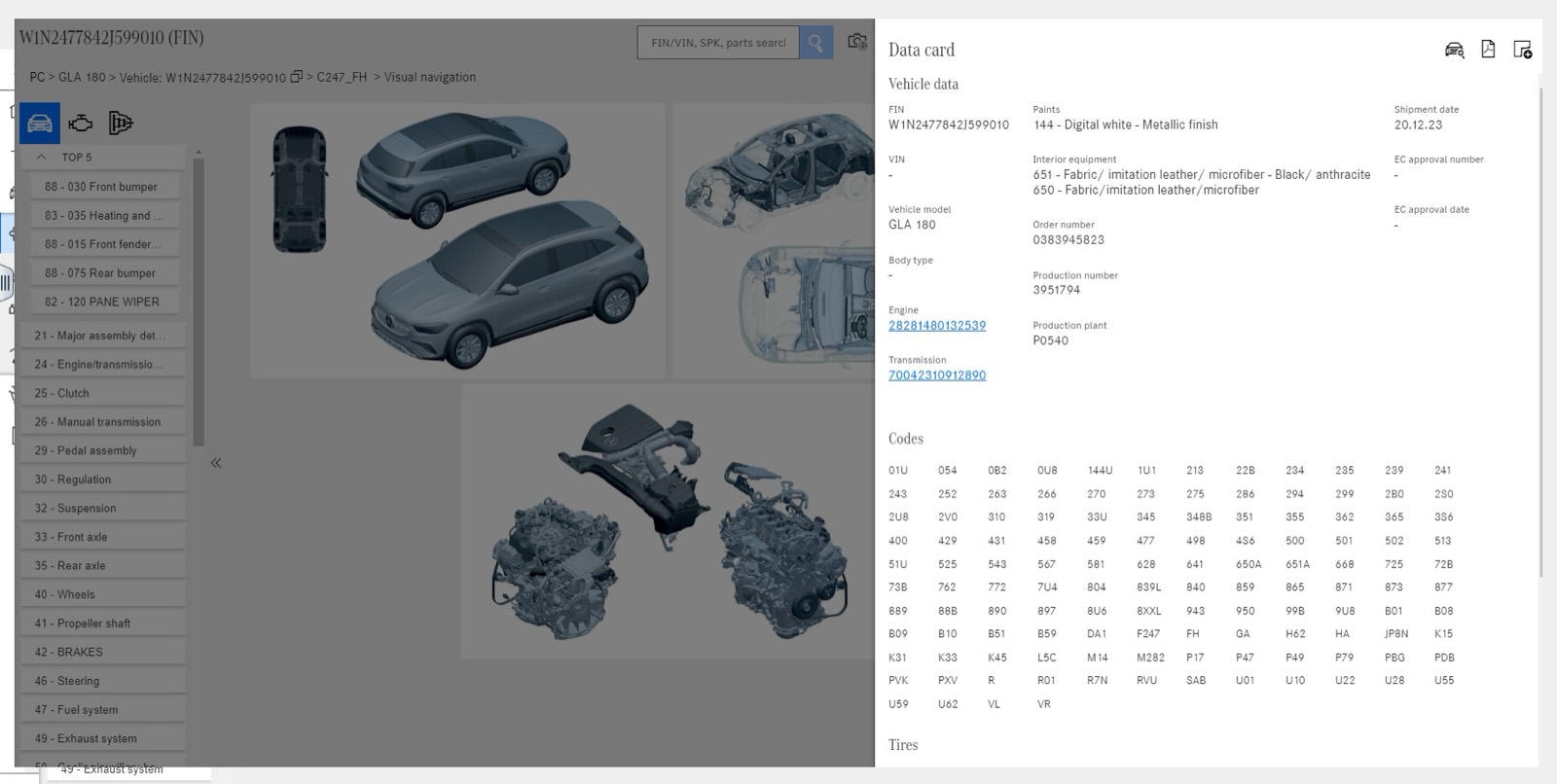
- 0:08 The data card lists vehicle data, engine and transmission numbers, paint, interior equipment and the equipment codes.
- 0:14 A side panel shows paints for the vehicle and operating fluids with volume, quality sheet and SAE class.
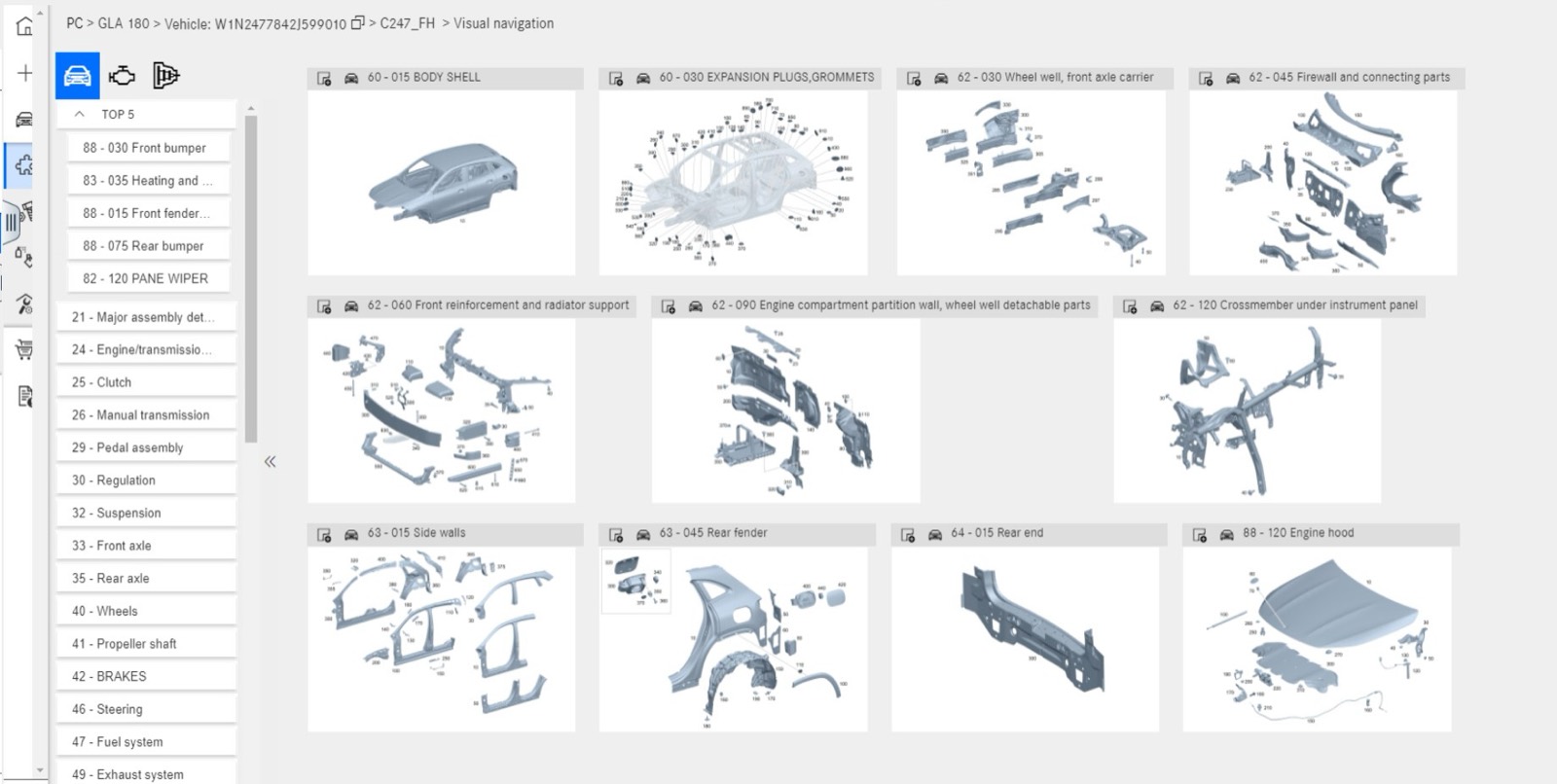
- 0:18 A 3D body model highlights the rear door, which opens its subgroups.
- 0:24 The rear locking system page pairs a parts list with an exploded diagram and a strip of neighboring figures.
What you see on screen
- A breadcrumb from model and vehicle down to the subgroup, here 73 Rear door, 030 Rear locking system.
- A Top 5 shortcut list above numbered main groups such as 25 Clutch, 42 Brakes and 46 Steering.
- Parts list rows with part number, name, side, quantity, replacement notes and a basket button.
- Callout numbers on the diagram that match the item numbers in the list.
Screenshots
Open Mercedes-Benz EPC yourself
This is the catalog you work in on VINsearch, in the browser, by VIN. A Day Pass is $5 and opens all 53 catalogs.
Open the catalog