Mazda EPC walkthrough: VIN to exhaust manifold (video)
This 21-second screen recording shows Mazda EPC working from a VIN. It decodes a Mazda CX-5, steps through the three-stage pictorial index and opens the exhaust manifold section with its diagram and parts list.
What happens in the recording
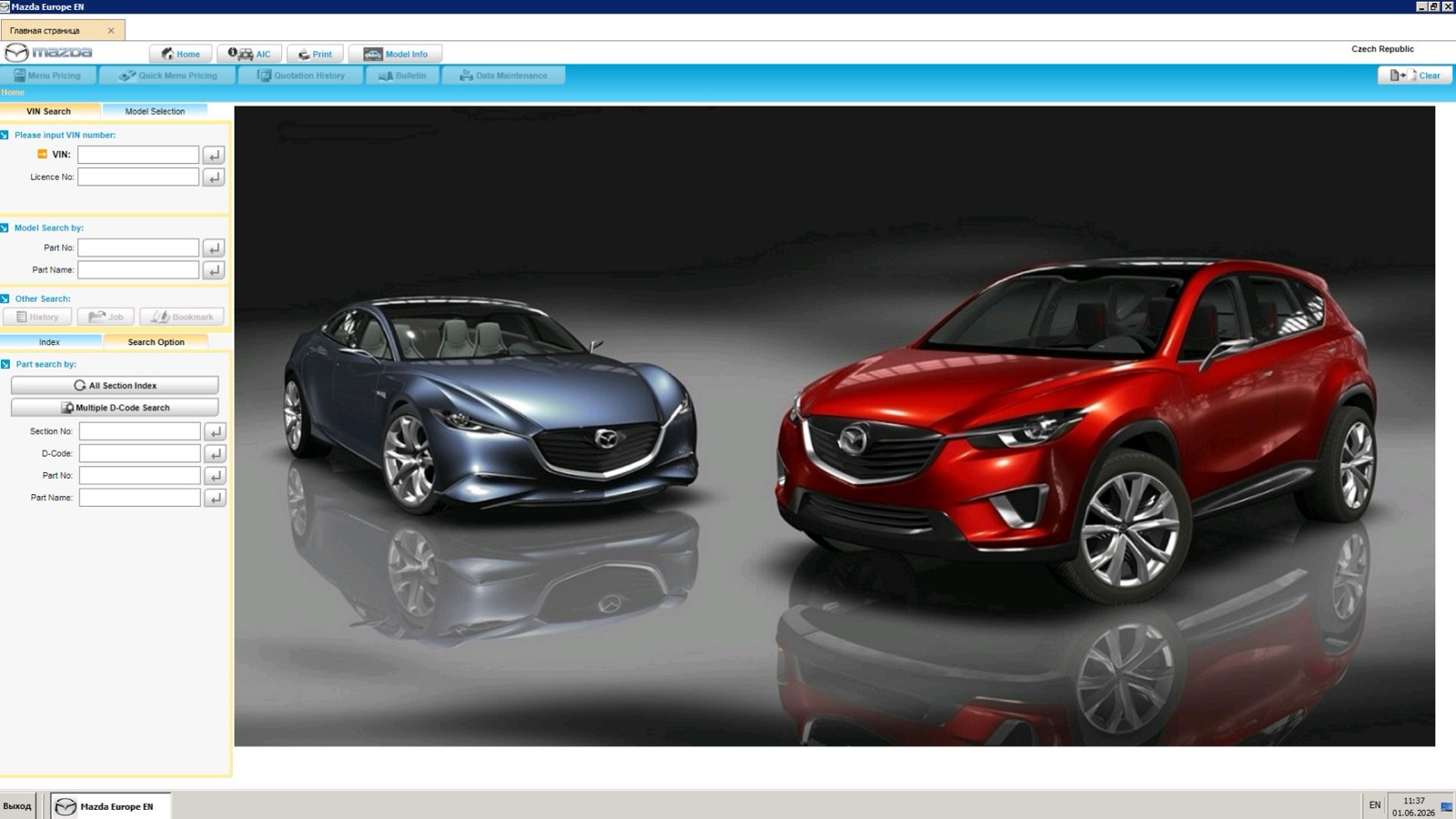
- 0:00 The home screen has a VIN field, a part search by section number, D-code, part number or part name, and an all-section index.
- 0:04 Vehicle Information shows the decoded model, production start, model year, catalog number, engine, transmission, drive and color codes.
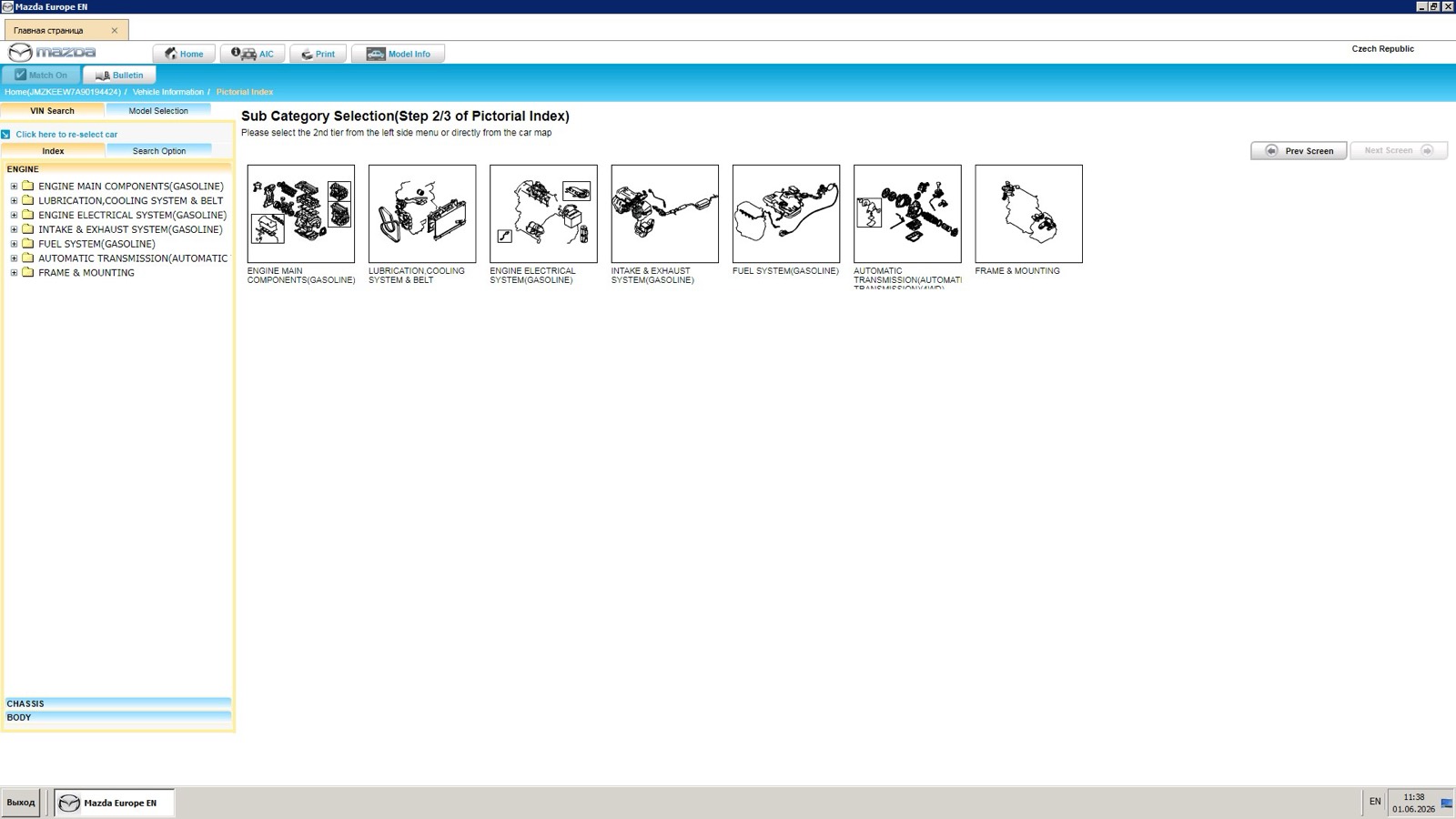
- 0:06 The pictorial index lists engine categories in a tree, and the intake and exhaust system opens.
- 0:09 Section Selection, step 3 of 3, highlights the exhaust manifold on an illustration above a table of section numbers.
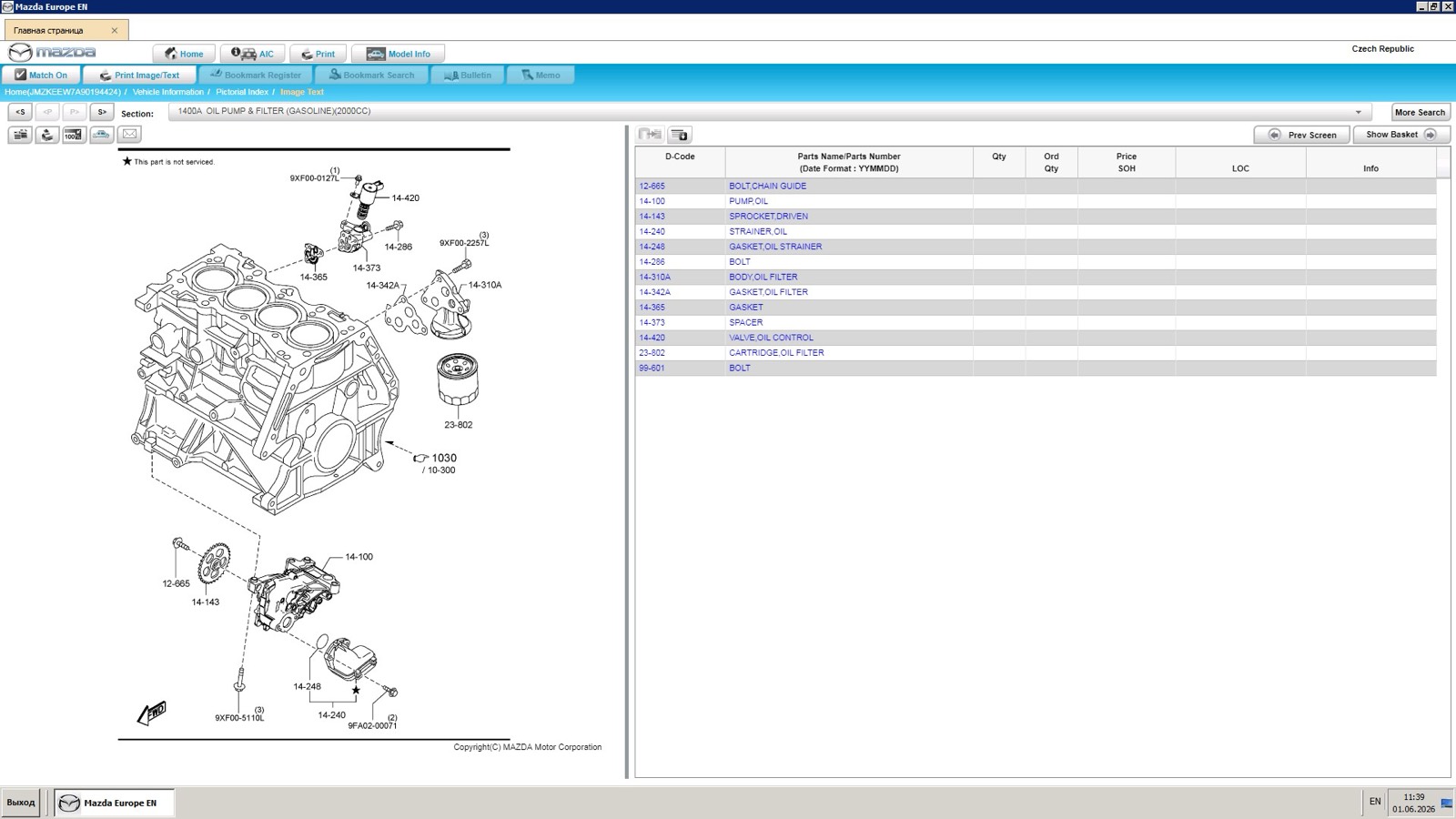
- 0:13 The Image Text screen opens the exhaust manifold section: an exploded diagram with D-codes beside the parts list.
What you see on screen
- A breadcrumb that tracks Home, Vehicle Information, Pictorial Index and Image Text.
- Engine, Chassis and Body sections in the index; engine categories include lubrication, cooling system and belt, fuel system and automatic transmission.
- Parts list columns: D-Code, Parts Name/Parts Number, Qty, Ord Qty, Price SOH, LOC and Info.
- Section arrows and a More Search button above the diagram.
Screenshots
Open Mazda EPC yourself
This is the catalog you work in on VINsearch, in the browser, by VIN. A Day Pass is $5 and opens all 53 catalogs.
Open the catalog